A Practical Postcard Marketing Workflow
A postcard campaign starts with a useful message and a relevant audience. MailerBot gives you a dashboard and API for preparing, personalizing, and sending the piece. This guide follows the decisions that matter before and after a send, without assuming that every campaign earns the same return.
- Define the audience, offer, and response you want.
- Prepare artwork and accurate recipient data.
- Review the complete mailing expense, including postage.
- Send, record actual outcomes, and improve the next campaign.
When a Postcard Is a Good Fit
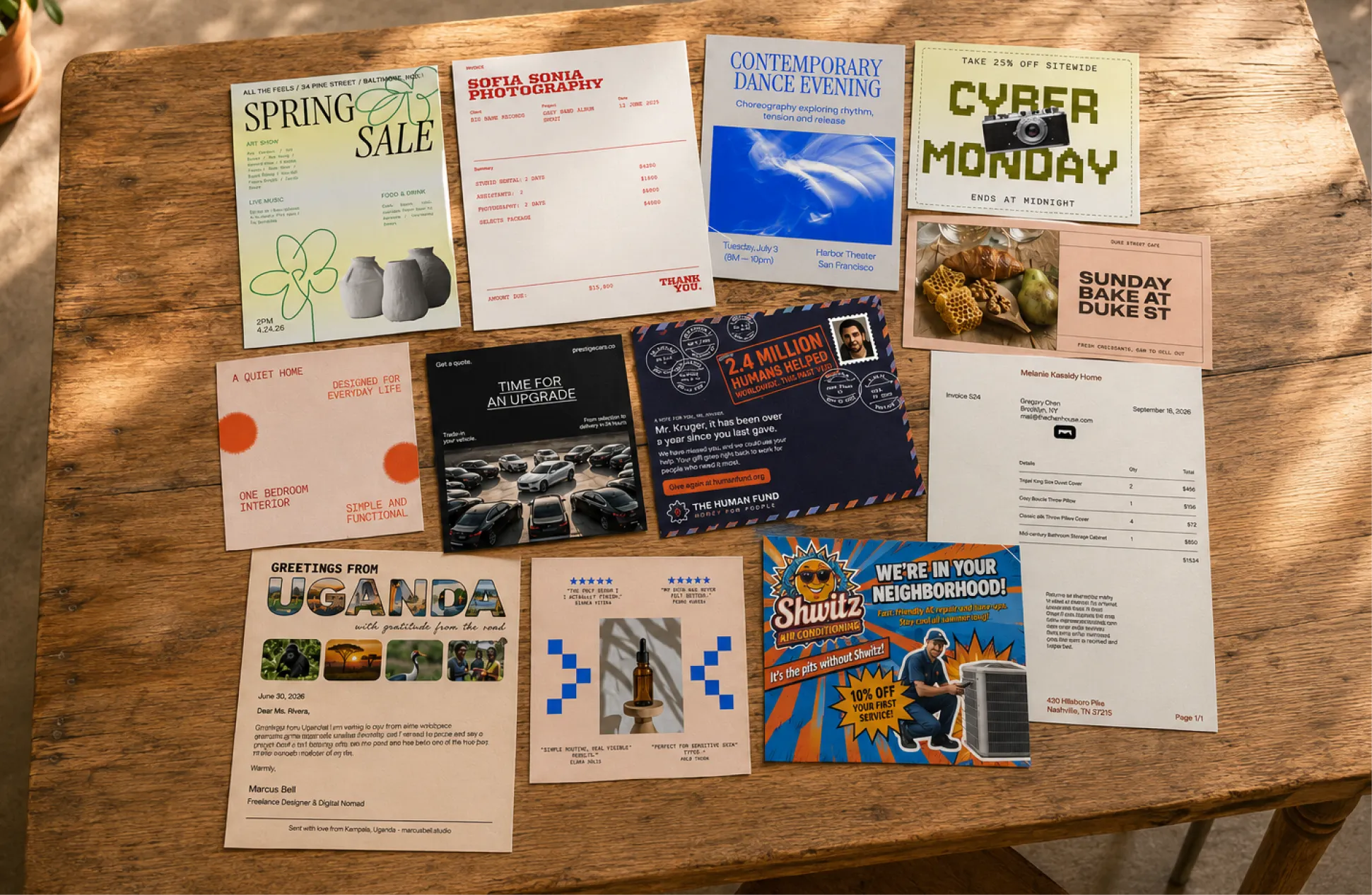
Use a postcard for a message that can be understood quickly: a service reminder, a local offer, an event invitation, or a customer thank-you. The recipient can see it without opening an envelope. Choose a letter when the message needs more explanation or privacy.

A useful postcard makes the audience, offer, and next step clear.
Choose One Customer Outcome
Decide whether success means a booked appointment, an order, a donation, or a registration. A campaign that asks for one clear action is easier to design and measure.
For example, a retailer could invite existing customers to a sale, while a service business could remind past customers to schedule maintenance. These are illustrative uses, not promised results.
Coordinate the Card and Landing Page
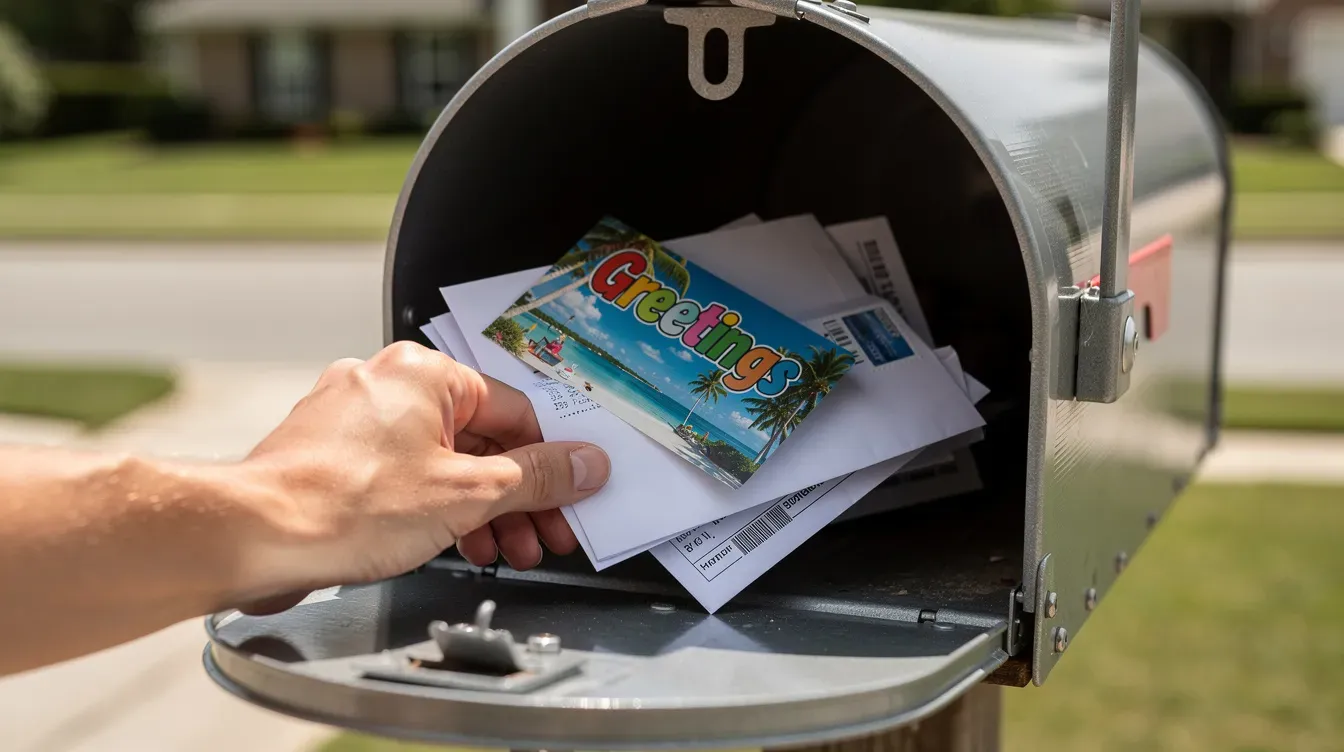
The printed offer should match the page or conversation that follows. Repeat the same terms, deadline, and service area online. Provide a readable URL or phone number as well as a QR code.
Email or other follow-up can support the campaign, but keep audience permissions and messaging consistent.
Calculate Campaign Break-Even
Separate revenue from contribution and profit. Revenue minus postage and printing is not gross profit: products or services also have fulfillment costs.
Illustrative example: 2,000 cards cost $1,600 in total campaign expense. An $80 order contributes $32 after $48 of variable costs. Break-even requires 50 incremental orders ($1,600 ÷ $32). At 60 incremental orders, contribution is $1,920; after campaign expense, the remainder is $320, or a 20% return on that campaign expense. This is an example, not a MailerBot rate or performance forecast.
Include discounts, fees, returns, creative work, and relevant plan costs. “Incremental” means orders attributable to the campaign beyond what would have happened without it.
Use the dashboard for a manual send or the documented API for an integrated workflow.
Match the Message to the Relationship
- Acquisition: introduce a relevant offer to a new audience.
- Retention: thank existing customers or announce a useful benefit.
- Reactivation: invite lapsed customers back.
- Reminders: prompt a timely appointment, event, or renewal.
Use the relationship to choose the message, rather than sending an identical offer to every contact.
Prepare an Audience You Can Use
Start with accurate customer data and clear mailing preferences. Remove duplicates and review who belongs in the campaign. Purchased or prospecting audiences need an appropriate basis for use and should fit your actual service area.
MailerBot’s plan offerings include contact workflows and, on Scale, residential prospecting and EDDM. Confirm the available audience options before designing around them.
Design for a Fast Read
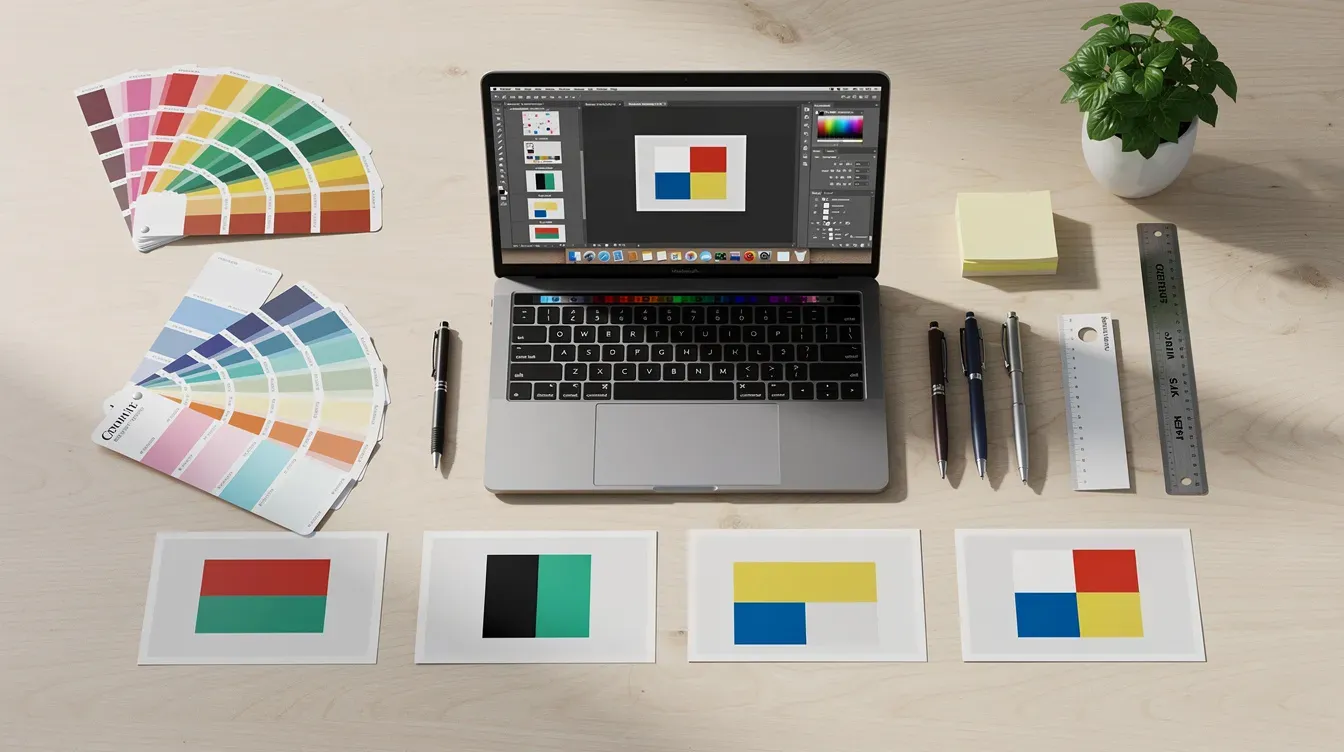
- Put the main benefit in a readable headline.
- Use a single offer with clear terms.
- Choose an image relevant to the business or message.
- Keep the response step prominent.
- Check both sides of the final proof.
Use MailerBot’s visual postcard editor or suitable uploaded artwork. Follow the selected template’s format and print requirements rather than relying on a generic size or paper recommendation.
Personalize with Accurate Merge Fields
Names, locations, or a relevant offer can make a card more useful. MailerBot supports merge-field personalization, but each field needs correct data and fallback text.
Review representative proofs, including contacts with missing or unusually long values. Do not print sensitive account or health information on an exposed postcard.
Choose a Relevant Audience Segment
A returning customer may need a reminder; a new prospect needs context. Nonprofit supporters may receive an impact update; event prospects may need a clear registration deadline.
Keep segments simple enough to explain and maintain. The campaign record should show why each group received that version.
Count contribution after product or service costs before calculating campaign return.
Set a Sensible Follow-Up Sequence
Plan who responds after the mailing. If the offer produces a form submission, ensure the confirmation and next step are ready. If it prompts calls, make sure staff understand the offer.
A follow-up card should use the customer’s actual status. Exclude people who already completed the requested action where your workflow supports that rule.
Measure Responses and Business Results
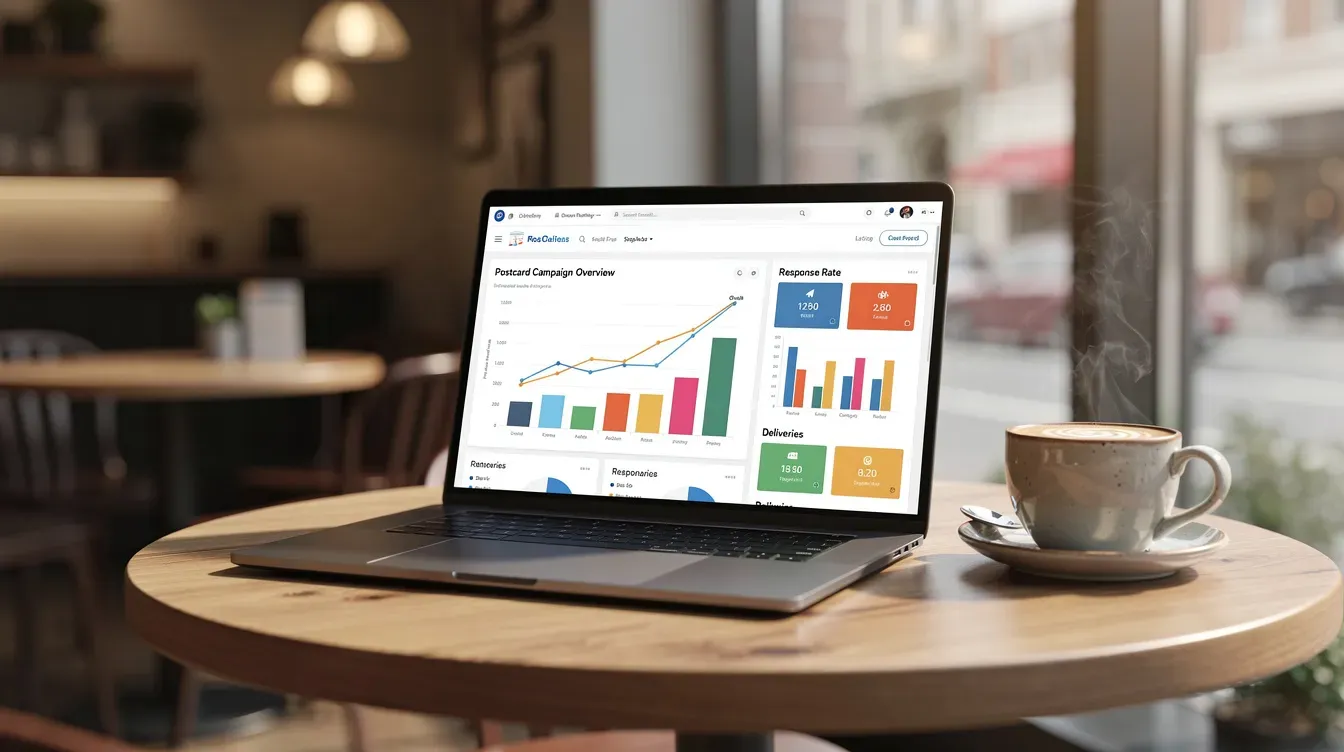
A scan, visit, or coupon redemption is a signal—not automatically a sale or a complete attribution model. Use campaign-specific links or codes and reconcile outcomes with your order, booking, or donor records.
Record response rate, completed outcomes, contribution, and total campaign expense. When practical, compare a mailed audience with a similar unmailed group.
Prepare a Mailing in the Dashboard
- Create or choose the postcard design.
- Prepare the contacts or audience list.
- Set personalization and review the proof.
- Review the available mailing options and complete job cost.
- Submit the mailing and monitor its status.
Check a small physical send before committing to a new design at scale.
Automate with the Documented API
The MailerBot API documentation covers designs, contacts, lists, mailings, tracking resources, and webhooks. A developer can connect a business event to a mailing once the audience and content are approved.
Review MailerBot integrations for existing connections. Availability and features depend on the tool and plan. Define duplicate prevention and error handling before enabling live sends.
Start with API Test Mode
Mailings created with a test API key are not charged, printed, or mailed. The API documentation explains how to simulate status changes.
Test keys share contacts and designs with the live account. Keep test data organized and verify the intended key and mailing before moving to live operation.
Use Examples that Match Your Business
- A home-services company sends a maintenance reminder to past customers.
- A retailer announces a relevant local offer.
- A nonprofit shares a short impact update.
- A professional service sends an appointment or event reminder.
Adapt the message and audience to a real need. An appealing example is a starting point for planning, not evidence of a guaranteed result.
Respect Mailing Preferences and Privacy
Honor requests not to receive marketing mail and use only the data needed for the campaign. Keep access to recipient lists appropriate to your team.
Postcards are visible during handling. Use a letter or another suitable communication method when the content should not be exposed. Review account requirements separately for sensitive or regulated documents.
Choose Between a Postcard and a Letter
Use a postcard for a concise reminder or offer. Use a letter for a longer narrative or information that belongs inside an envelope. Confirm any special format before designing it.
Format | Useful for | Review |
|---|---|---|
Postcard | Short offers, reminders, and invitations | Readability, exposed content, and response step |
Letter | Longer correspondence and donor appeals | Page count, proof, and mailing options |
Sending While Working Remotely
A web dashboard lets you prepare mail without being beside a printer. Working from another country does not establish that the platform supports every international destination.
Check the recipient country, available service, and cost in your account before planning a cross-border campaign.
Review the physical piece and the resulting customer outcome, then improve the next send.
Avoid Common Campaign Mistakes
- Do not equate response rate with profit.
- Do not quote a production price as an all-in mailed cost.
- Do not send without reviewing merge-field output and addresses.
- Do not use a QR code that points to an unfinished page.
- Do not scale before your team can handle the resulting inquiries.
The current Launch rate is 59¢ for a 4×6 postcard plus postage. Paid-plan rates and subscriptions differ; use current MailerBot pricing and your actual job cost.
Build a Repeatable Postcard Campaign
Keep a record of the goal, audience, artwork, offer, send date, full cost, and actual outcomes. Change one variable at a time so the next result is easier to interpret.
Ready to prepare your first mailing? create a MailerBot account. For software-driven sending, start with the MailerBot API documentation and test the workflow before going live.

Ready to automate your direct mail?
Start sending in minutes. Launch has no monthly platform fee or minimum; printing and postage are charged per mailing.
FAQ
The Launch plan is pay-as-you-go with no minimums listed. A small initial send can help review artwork and personalization before a larger campaign.
The current Launch plan lists 4×6 postcards at 59¢ plus postage. Paid plans have different rates and subscriptions. Use the current pricing page and the actual job cost for a complete budget.
MailerBot includes a visual postcard editor. Whether you use it or upload artwork, review the selected template’s specifications, both sides of the proof, personalization, and response details before sending.
Record actual orders, appointments, gifts, or registrations alongside scans and responses. Compare contribution after variable costs against the complete campaign expense, and use a comparison group where practical.
Yes, using the documented API or available integrations. Define the event, audience, approved design, plan requirements, duplicate prevention, and error handling; use API test mode before live sending.

Print-to-Mail Services: How to Send Business Documents with MailerBot
Learn how to prepare, personalize, and send business letters with MailerBot, understand mailing costs, and choose between dashboard sending and API automation.
Home Services Postcards: 6 Campaign Ideas to Run with MailerBot
Plan six practical postcard campaigns for your home-services business, prepare your audience and offer, and use MailerBot to send and measure a focused test.

Nonprofit Direct Mail with MailerBot: Donor Letters, Receipts, and Postcards
Use MailerBot to prepare donor letters, acknowledgment mailings, and postcards, with practical guidance on personalization, automation, budgeting, and postal options.