Start with a Useful Donor Communication
A donor mailing should make its purpose clear: acknowledge a gift, explain an impact, invite a supporter to an event, or ask for a specific contribution. MailerBot lets your team prepare and send printed letters and postcards through a dashboard or API, while your organization controls the message and donor data.
- Choose one donor communication to improve first.
- Use accurate contact data and relevant personalization.
- Review the proof, complete costs, and available mailing options.
- Track responses and gifts in your donor system.
- Confirm nonprofit postal eligibility and service availability before budgeting a discounted rate.
Where Physical Mail Fits
A letter or postcard can reach a supporter alongside your email and online fundraising. Use it where a physical reminder or more personal acknowledgment makes sense for the relationship.
There is no response rate every nonprofit should expect. A familiar donor audience, a clear appeal, and a useful follow-up process matter more than a generic industry benchmark. Track your own results and separate campaign examples from demonstrated outcomes.
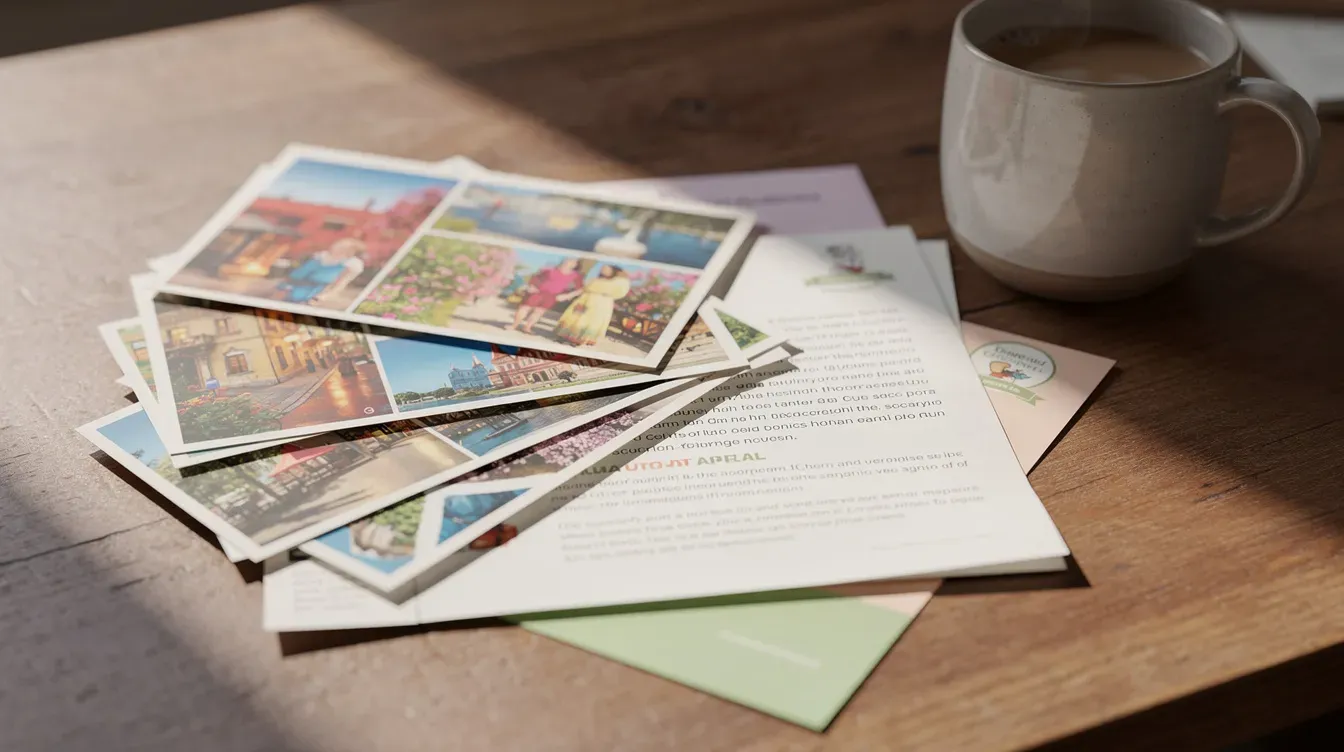
Budget from the full mailing cost, not a postage-only estimate.
Understand Postal Options Before Budgeting
USPS offers nonprofit prices for eligible Marketing Mail, but organizations need specific postal authorization and the mailing must satisfy the relevant rules. Tax-exempt status or printing an indicia alone does not establish that every mailing qualifies.
Review USPS Publication 417 for authorization and eligibility. Then confirm with MailerBot which mailing options and preparation services are available for the actual job. This guide does not promise that a particular nonprofit rate will be applied automatically.
Choose the available service based on content and timing. For classification questions, use USPS guidance rather than assuming every donor communication can travel as Marketing Mail.
Six Donor Mailing Workflows
Start with letters and postcards that fit your account’s supported formats. The following ideas cover asking, thanking, receipting, inviting, reporting, and re-engaging.
These are suggested workflows, not claims about results achieved by MailerBot customers. Choose one goal and decide who prepares the content, approves the audience, and records the response.
1. Send a Focused Fundraising Appeal
Lead with a specific program or need, explain what a gift supports, and give the donor a clear way to respond. A letter offers space for a short story; a postcard can reinforce the appeal with a concise reminder.
Use an online donation URL or QR code that your organization can measure. If the campaign requires a reply envelope or insert, confirm the available fulfillment configuration before designing the package. Do not assume a multi-component package is included in a standard letter job.
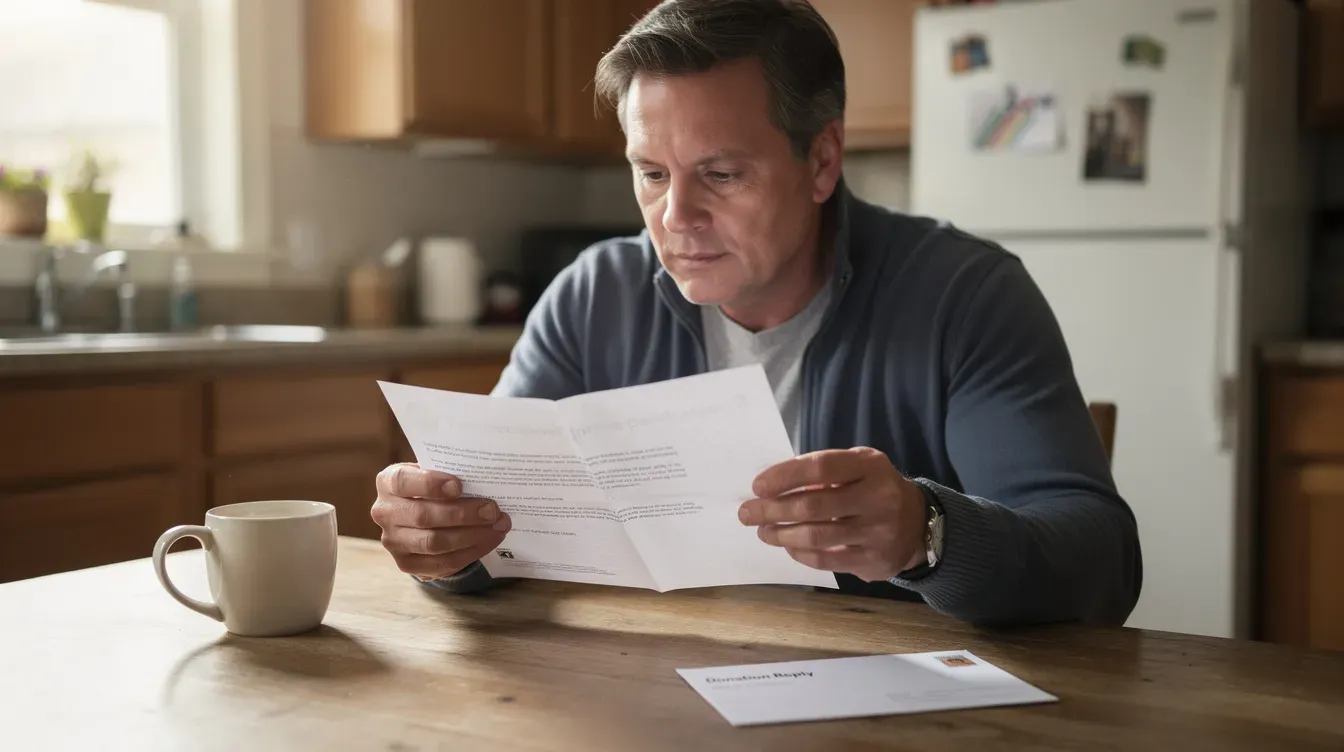
A useful acknowledgment starts with accurate donor data and an approved message.
2. Acknowledge Gifts Promptly
Create an approved thank-you letter that can be personalized with the donor’s name and the relevant program. Set an internal acknowledgment target and account for preparation, production, and postal transit.
A donation event in your CRM can be the starting point for an integration, but the connection needs documented fields, approval rules, and duplicate prevention. A useful acknowledgment does not need to repeat an unsupported claim about how much faster a second gift will arrive.
3. Prepare Donation Receipts and Annual Letters
Use your organization’s approved acknowledgment language and validated gift records. Review donor names, amounts, dates, and required disclosures before mailing.
MailerBot supplies the printing and mailing workflow. The organization remains responsible for the accuracy and suitability of its receipt content; sending through a platform does not by itself establish tax compliance. Keep the approved document and corresponding donor record in your own system.
4. Invite Supporters to an Event
A postcard can announce a date and link to registration. A letter can explain an event in more detail to a smaller supporter segment. Include the date, location, registration deadline, and accessible contact information.
Work backward from the response deadline and allow room for postal transit. Review the physical proof and test the registration destination before submitting the mailing.
5. Share a Concise Impact Update
Tell supporters what their contributions helped make possible. A short letter or postcard can highlight one outcome, thank the audience, and link to a fuller report.
Use the actual formats available in MailerBot. This article does not assume support for a 12-page booklet, folded newsletter, or additional inserts; confirm special production needs before planning them. Use real program evidence and permissioned photography.
6. Reconnect with Lapsed Supporters
Build a segment from your own donor history, then tailor the message to the relationship. For example, invite past supporters to read a new program update or participate in a current appeal.
Use respectful language and honor mailing preferences. For broader local outreach, review the audience and route options available on your plan. Do not conflate neighborhood coverage with donor-specific personalization.
Connect MailerBot to Your Donor Workflow
The MailerBot API documentation covers contacts, lists, documents, mailings, and webhooks. A developer can connect these resources to your donor system so an approved event creates a mailing with the appropriate template and recipients.
Review MailerBot integrations for available connections and plan requirements. Do not assume a particular donor CRM has a native integration; establish whether the connection is native, provided through an automation tool, or built by your team.
Test the workflow with the API’s test mode before a live send. Document which event triggers the letter and how an existing acknowledgment prevents a second mailing.
Choose one donor workflow, review the physical result, then expand.
Review Content and Donor Data
- Check names, addresses, segmentation, and mailing preferences.
- Review merge-field values and fallback text in the proof.
- Use only the personal information needed for the communication.
- Avoid exposing sensitive donor or financial information on postcards.
- Keep approved content and campaign records with your donor data.
Address verification helps with mailing preparation, but it does not replace reviewing the audience or respecting supporter preferences.
Build a Complete Campaign Budget
The current Launch plan lists letters at 89¢ for the first page and 25¢ for each additional page, plus postage; 4×6 postcards are 59¢ plus postage. Paid plans have their own rates and subscription costs. Use current MailerBot pricing and the job cost for your actual campaign.
Budget item | Include |
|---|---|
Production | Format, pages, quantity, and plan rate |
Postage | Confirmed mailing option and any eligible pricing |
Preparation | Content, design, data review, and integration work |
Plan cost | Relevant subscription allocation |
Measurement | Recorded gifts and responses attributable to the campaign |
Avoid treating a postage-only example as the total campaign cost. Budget from confirmed figures rather than a blanket percentage saving.
Launch One Donor Mailing First
- Choose a thank-you letter, event postcard, or donor appeal.
- Approve the content and define the donor segment.
- Confirm format, mailing options, costs, and account requirements.
- Review a proof and a small physical send.
- Record responses and any returned mail; improve the next mailing.
When the message and audience are ready, create a MailerBot account. For automation, use the MailerBot API documentation to plan the connection to your donor records.

Ready to automate your direct mail?
Start sending in minutes. Launch has no monthly platform fee or minimum; printing and postage are charged per mailing.
FAQ
No. USPS requires specific authorization and eligible mail content. Review USPS Publication 417, then confirm which options MailerBot can apply to your job before budgeting nonprofit postage.
Start with letters and postcards such as thank-you messages, approved receipt documents, event reminders, appeals, and impact updates. Confirm any special formats, inserts, or reply-envelope requirements separately.
You can prepare and mail an approved acknowledgment document. Your organization must ensure its gift data and required language are correct; the mailing workflow is not a substitute for reviewing the receipt content.
Use a documented integration or build a connection through the API. Confirm field mapping, plan access, approval rules, duplicate prevention, and error handling before enabling live sends.
Allow time for content approval, data preparation, production, postal transit, and responses. Mailout and arrival are separate stages. Check the supported option and current job timeline instead of assuming a guaranteed recipient delivery date.

Print-to-Mail Services: How to Send Business Documents with MailerBot
Learn how to prepare, personalize, and send business letters with MailerBot, understand mailing costs, and choose between dashboard sending and API automation.
Home Services Postcards: 6 Campaign Ideas to Run with MailerBot
Plan six practical postcard campaigns for your home-services business, prepare your audience and offer, and use MailerBot to send and measure a focused test.
Introducing MailerBot: Automated Postcards and Letters from Your Dashboard or API
Meet MailerBot: a dashboard and API for preparing personalized postcards and letters, managing recipient data, sending mailings, and reviewing their status.